About this script
Every item on your server, created and balanced in game.
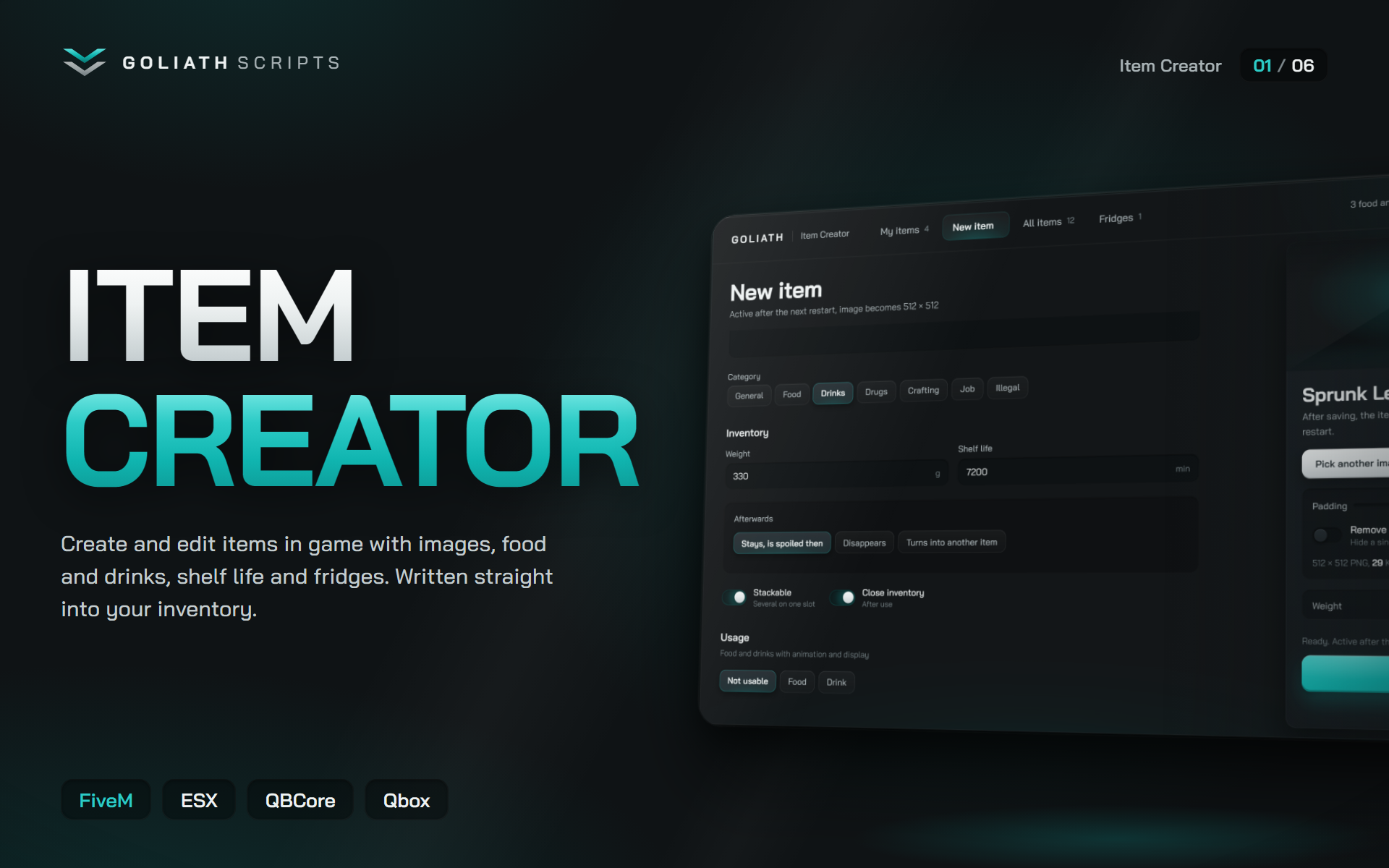
Open the creator, type a name, drop in an image and save. The item is written straight into the item list your inventory already uses, with a clean 512 × 512 image in the right folder. Food and drinks get props, animations, bites and saturation. Items can expire, fridges keep food fresh, and existing items are edited without touching a single file by hand.
The Item Creator saves your team hours of editing item lists, converting images and restarting for every small change.
How it works
1. Type /itemcreator and open the creator.
2. Create a new item: label, weight, category, description and image.
3. Turn it into food or a drink with prop, animation and values, if you like.
4. Save. ox_inventory and most others load it after the next restart, qb-core items go live right away.
Features
• Create items in game: Label, inventory name, description, category, weight, stackable and close on use. The inventory name fills itself in while you type and is checked against every existing item.
• Images without any tool: Drag and drop, pick a file or paste with Ctrl+V. PNG, JPG and WebP are cropped, colour optimised, scaled to 512 × 512 and reduced to small file sizes. Padding slider and background removal included. The image lands directly in the image folder of your inventory.
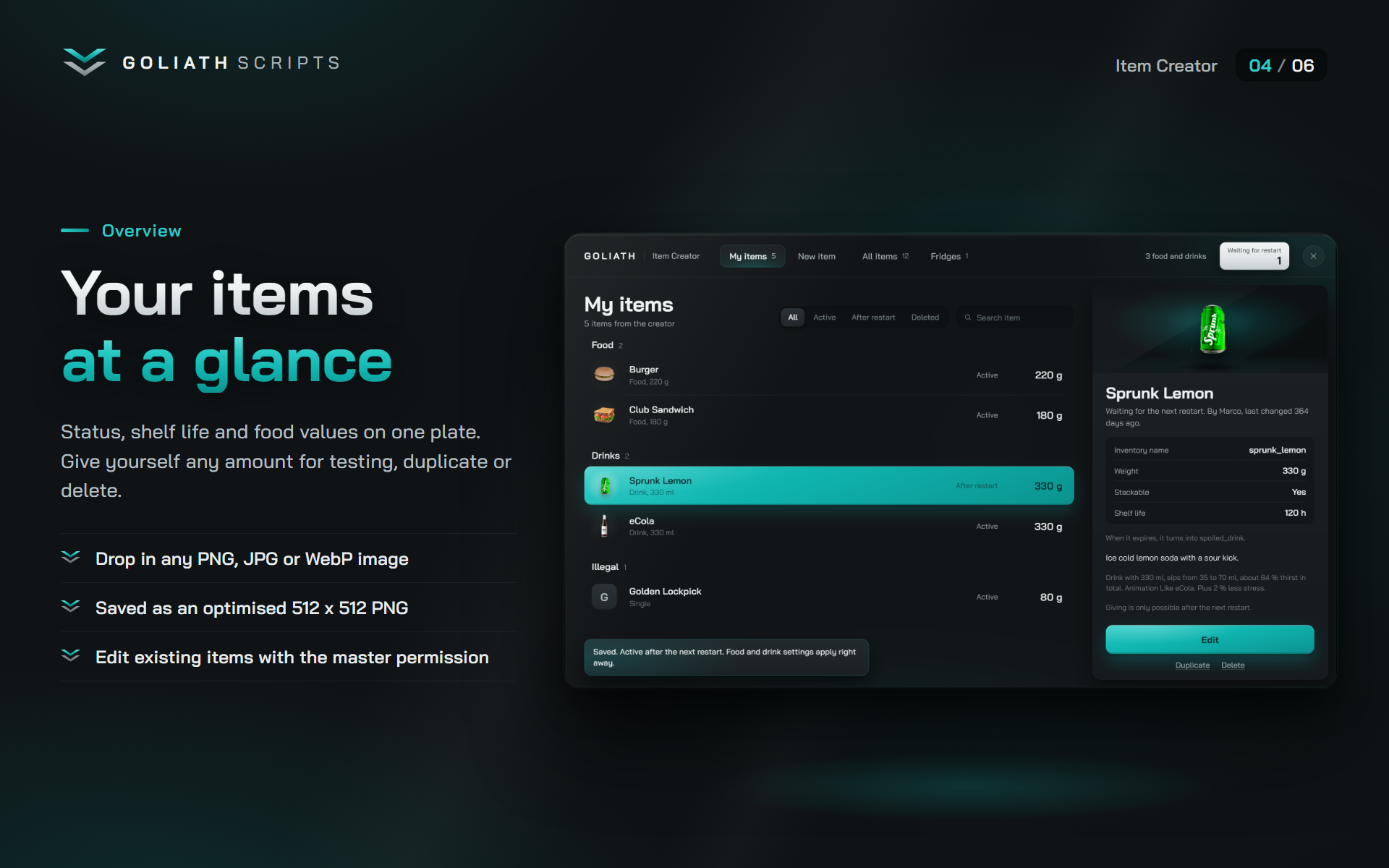
• Your items at a glance: Every own item with status, shelf life, food values and weight. Give yourself any amount for testing, duplicate an item or delete it. Deleted items can be restored until the next restart.
• Edit existing items: With the master permission you change label, weight, description, shelf life and image of any item in your inventory. Only the changed fields are written. Exports, buttons and other settings in the entry stay untouched. Items without an entry, like weapons, can get a new image.
• Food and drinks: Amount, bite or sip size, saturation, stress relief and alcohol per bite. Two props per item, bone selection, position, rotation and animation presets. Copy everything from an existing item in one click. The creator shows how many bites an item has and how much hunger or thirst it restores.
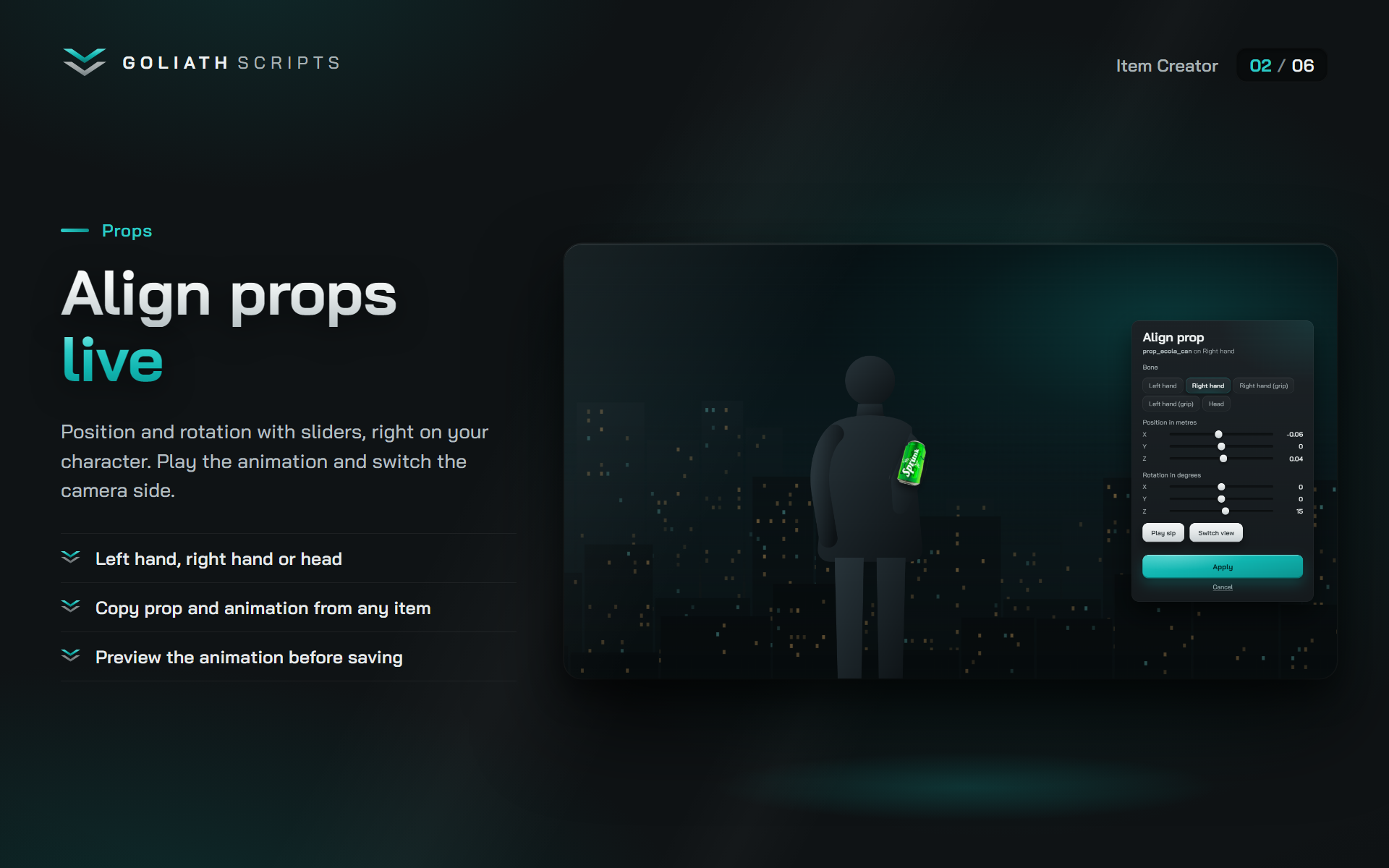
• Align props live: Test the prop on your own character with sliders for position and rotation. Play the animation and switch the camera side before you save.
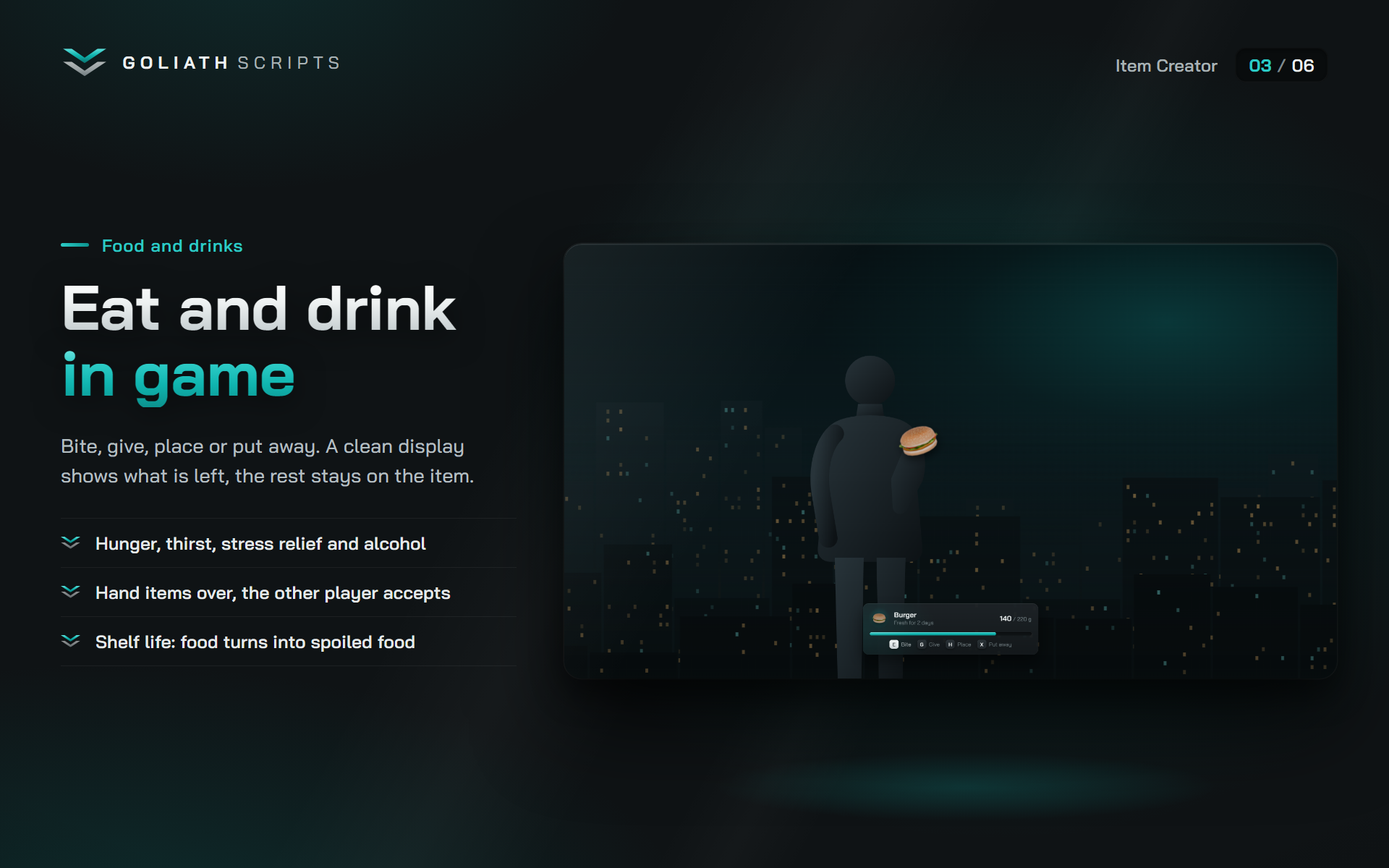
• In-game display: Using a food item puts the prop in the hand and shows a clean display with image, remaining amount and keys. Bite, give, place on the ground or put it away. The rest stays on the item.
• Giving as an offer: Handing food to another player is an offer the other player accepts or declines with a key. Cooldowns keep it from being spammed.
• Nothing gets lost: Items in hand return to the inventory after death, last stand, disconnect, crash or a restart of the resource, with their remaining amount. Without space they are delivered later.
• Alcohol and breathalyzer: Drinks can contain alcohol. Staggering, blurred view, camera shake, sprint lock and drunk driving rise with the level. A breathalyzer item tests yourself or other players with their consent.
• Shelf life: Items expire after a set number of minutes. Food and drinks turn 1:1 into spoiled food, other items stay spoiled, disappear or become another item. Long shelf lives are rounded to the full hour, so items from the same hour still stack.
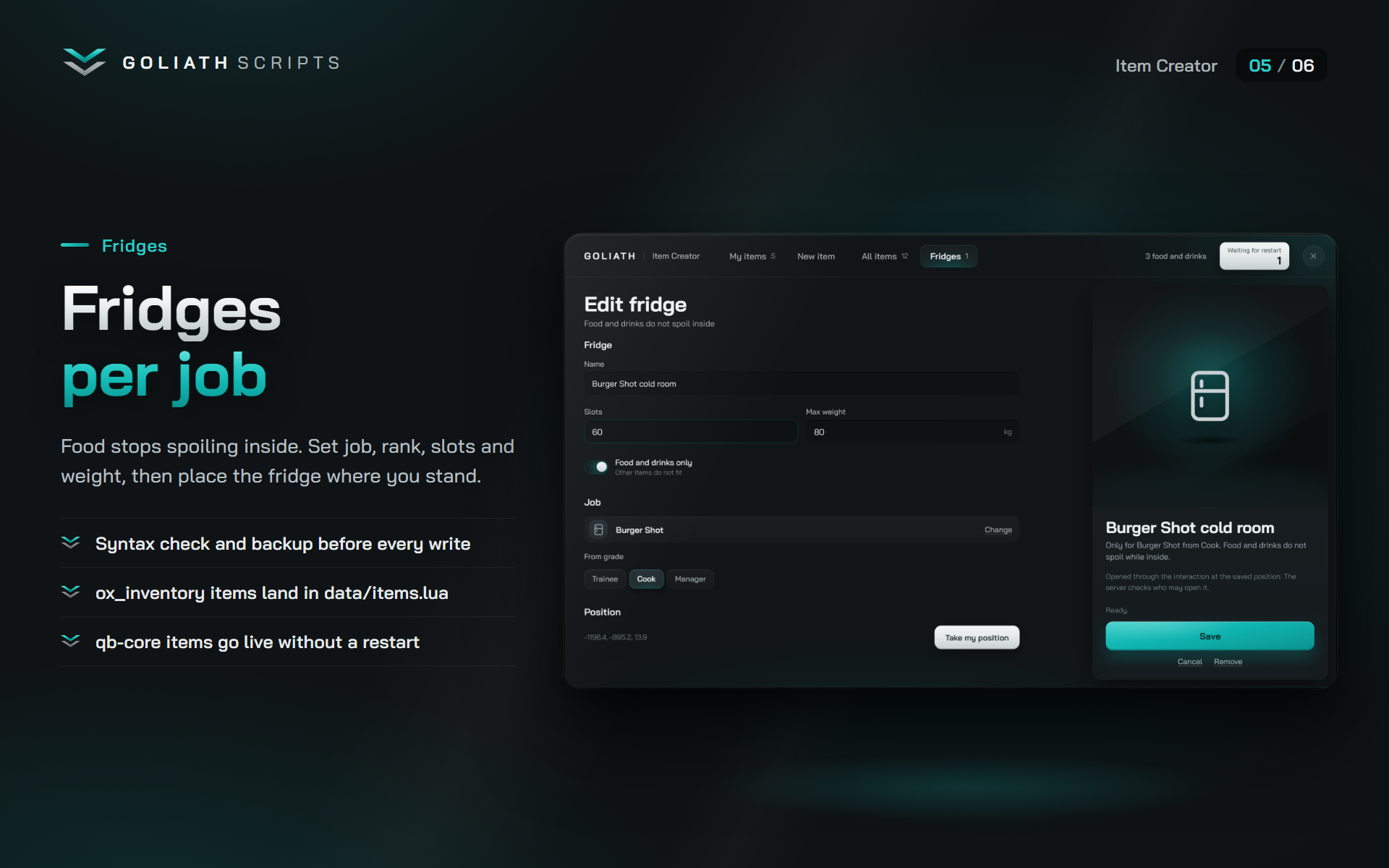
• Fridges per job: Food and drinks stop spoiling inside. Set name, job, minimum rank, slots and weight, then place the fridge where you stand. Opened through ox_target, qb-target or TextUI.
• Safe file writes: Before every write the item list gets a syntax check and a backup. Own items live in a marked block, so your hand written entries are never mixed up.
• Permissions in three levels: Create, delete and master. Assigned through framework groups, ACE groups or the ACE goliath.itemcreator.
• Discord log: Every create, edit, delete, restore and give, with the player and the changed values. A log table in the database keeps the same history.
• Starter pack: Optional food and drink values for common items like burger, water, coffee and beer, applied once if the items exist on your server.
• Own interface: A custom NUI in the Goliath design, from 720p to ultrawide. English and German included, every text editable.
Compatibility
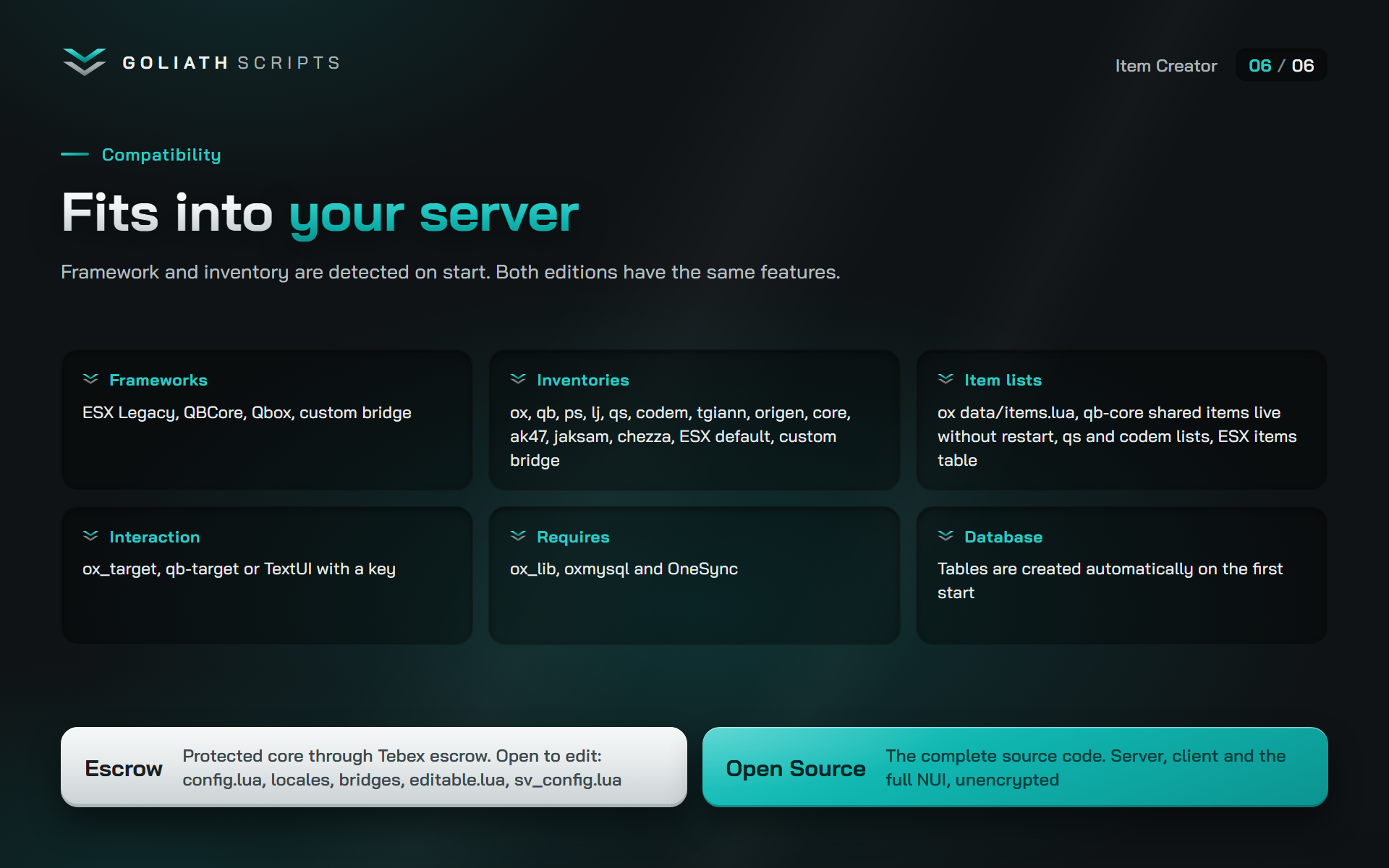
• Framework, inventory and interaction are detected automatically on start.
• Frameworks: ESX Legacy, QBCore, Qbox, custom bridge
• Inventories: ox_inventory, qb-inventory, ps-inventory, lj-inventory, qs-inventory, codem-inventory, tgiann-inventory, origen_inventory, core_inventory, ak47_inventory, jaksam_inventory, chezza_inventory, ESX default inventory, custom bridge
• Interaction: ox_target, qb-target or TextUI with a key
• Ambulance jobs: qbx_medical, wasabi_ambulance, ars_ambulancejob, p_ambulancejob, osp_ambulance, brutal_ambulancejob, ak47_ambulancejob, esx_ambulancejob, qb-ambulancejob
• Hunger, thirst and stress: esx_status, QBCore and Qbox metadata
• Where items are written:
◦ ox_inventory: data/items.lua
◦ qb-inventory, ps-inventory, lj-inventory: qb-core shared items, live without a restart
◦ qs-inventory: shared/items.lua
◦ codem-inventory: config/itemlist.lua
◦ tgiann, origen, core, ak47, jaksam: framework items
◦ Chezza and ESX default inventory: ESX items table
• Shelf life and remaining amounts need item metadata. They are not available on the ESX default inventory and Chezza.
• Fridges work with ox_inventory, qb-inventory and qs-inventory.
• Requires: ox_lib, oxmysql and OneSync
• Database: the tables are created automatically on the first start
Security
• Every action is checked on the server. The interface only sends what the player wants to do.
• Every request checks the permission level of the player again.
• Names, texts, weights and food values are validated against the limits in the config.
• Images are uploaded in chunks and only accepted as a valid 512 × 512 PNG.
• Bites, giving and placing are checked on the server for amount, distance and timing.
• Items in hand are tracked on the server, so nothing is duplicated or lost, not even after a crash.
• The Discord webhook lives in a server only config.
Configuration
• Command, optional key and permission levels
• Item list, resource and image folder per inventory, all detected automatically
• Image size and upload limits
• Limits for label, description, weight, shelf life and give amount
• Categories
• Replacement items for spoiled food and drinks, check interval and hour rounding
• Keys, distances, cooldowns and offer time for food and drinks
• Alcohol levels, effects, sober rate and the breathalyzer item
• Placing food on the ground with lifetime and limit
• Fridges, bones, animation presets and default values for new items
• Hooks for developers: Notify, AddNeed, RelieveStress, CanOpenCreator, CanOpenFridge and OnLog in server/editable.lua, Notify, Progress, OnOpen and OnClose in client/editable.lua. Exports: GetAlcoholValue and useConsumeItem (client), isPlayerConsume and getAlcohol (server).
Installation
1. Put goliath_itemcreator into your resources folder.
2. Add these lines to your server.cfg after your framework, inventory, oxmysql and ox_lib:
◦ add_filesystem_permission goliath_itemcreator write
◦ ensure goliath_itemcreator
3. Start the server. The tables are created on their own.
4. Set the permission groups in config.lua and type /itemcreator in game.
Open Source edition
The complete source code, nothing encrypted: server, client and the full NUI. An Escrow edition with the protected core is available in the Escrow category.
Support
Questions? The Goliath Scripts support on Discord helps you out. Join the Discord